Compare Two CSS Files Online
Paste two versions of a stylesheet, beautify both to normalize formatting, and see every changed selector and property highlighted.
Paste or drop text into both boxes, then press Compare.
Everything runs in your browser — nothing is uploaded.How to compare two CSS files
- 1
Add both stylesheets
Paste the CSS or drop .css files onto the panels — full stylesheets or fragments both work.
- 2
Beautify both sides
Click Beautify to expand minified CSS and normalize indentation and line breaks on both sides.
- 3
Compare & review
Run the comparison and review changed selectors, properties and values with word-level highlights inside each rule.
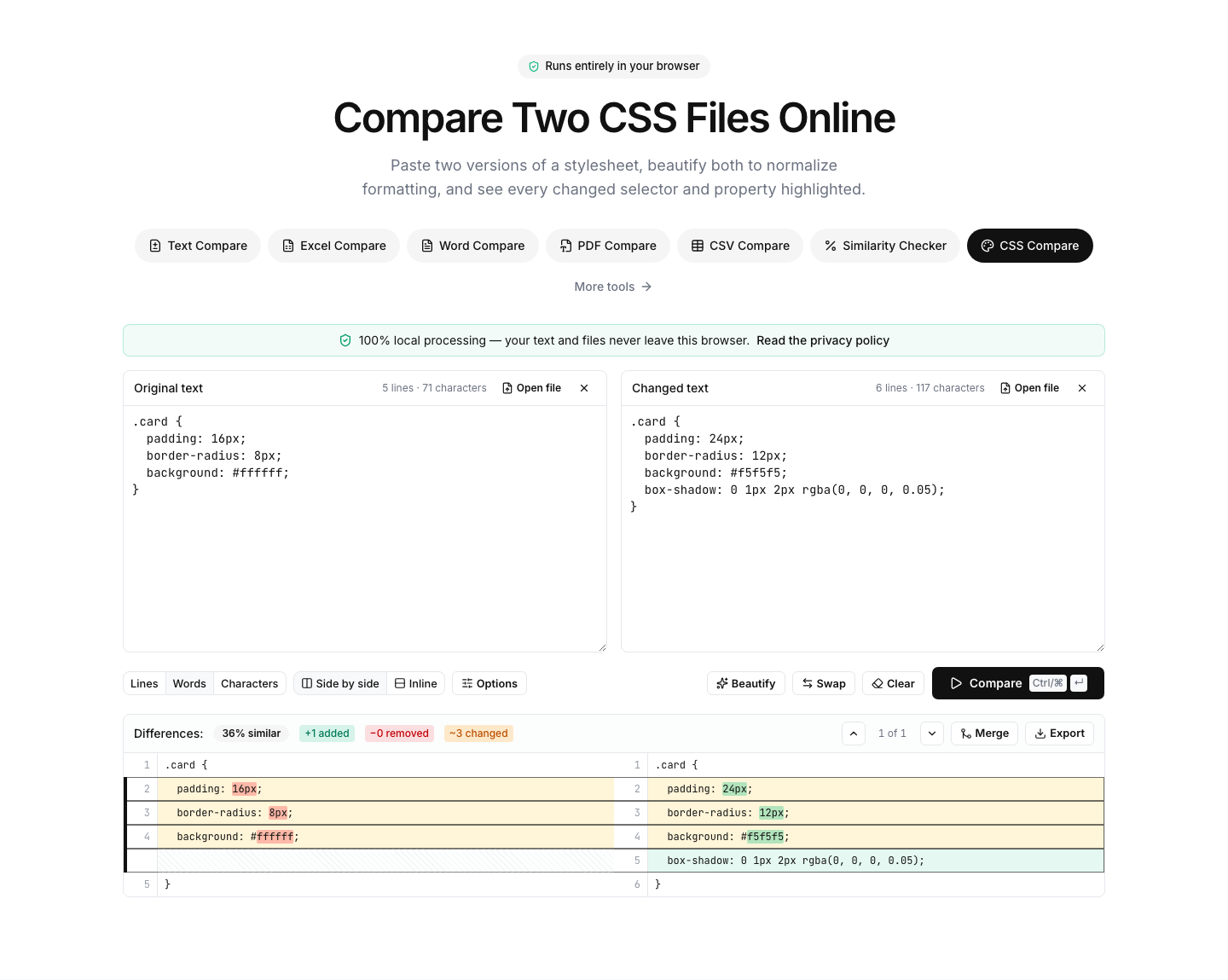
See exactly what changed in a stylesheet
Production CSS is usually minified, and even source stylesheets get reformatted by different tools — so a naive diff of two versions is mostly noise. The built-in beautifier expands both sides with identical rules, one declaration per line, which turns the comparison into a precise list of changed selectors and properties.
Typical uses: verifying what a design change actually shipped, comparing a theme before and after an update, auditing what a build pipeline or PostCSS plugin rewrote, or checking which rules differ between two environments.
The diff works at line and word level: a changed color value, a new media query, a removed vendor prefix — each is highlighted inside its rule. Use the ignore-whitespace option to suppress remaining cosmetic differences.
As with all tools here, your CSS never leaves the browser. Large frameworks compare fine — the heavy lifting runs in a background worker.
FAQ
CSS comparison — frequently asked questions
More comparison tools
JSON Compare
Key-order aware JSON diff, formatter and validator
XML Compare
Diff, beautify and validate XML documents
SQL Compare
Diff, format and syntax-check SQL queries
YAML Compare
Diff and validate YAML configs
HTML Compare
Diff and beautify HTML markup
Text Compare
Diff two texts with every change highlighted