Compare Code Online — Any Language
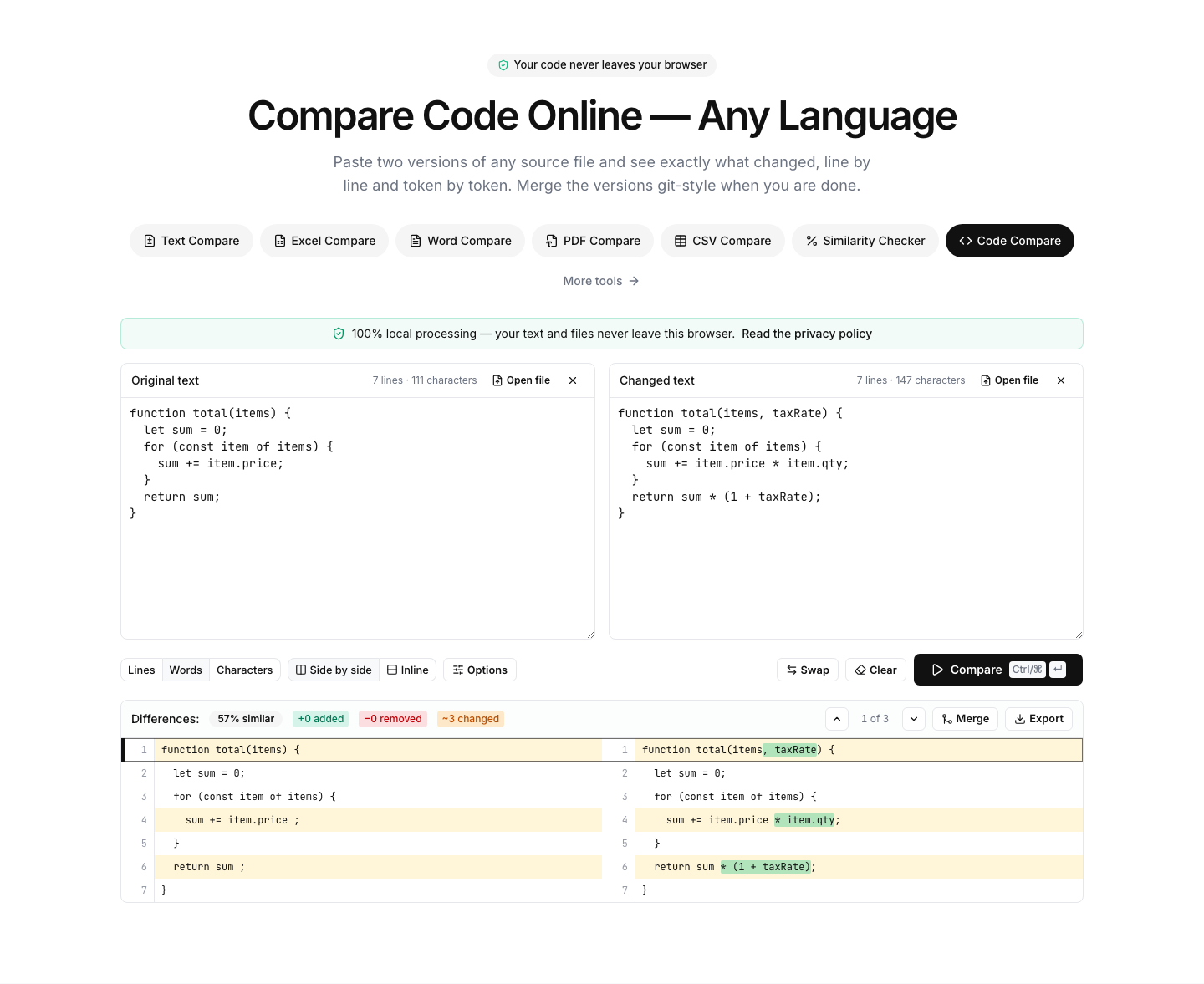
Paste two versions of any source file and see exactly what changed, line by line and token by token. Merge the versions git-style when you are done.
Paste or drop text into both boxes, then press Compare.
Everything runs in your browser — nothing is uploaded.How to compare two pieces of code
- 1
Paste both versions
Any language works — the diff is language-agnostic. Drop source files directly onto the panels if you prefer.
- 2
Tune the comparison
Switch between line, word and character granularity; ignore case or whitespace when reviewing reformatted code.
- 3
Review, merge & export
Walk the highlighted changes, merge the two versions git-style choosing left or right per block, and export the result.
Read the full guide: What Is a Diff? Line, Word and Character Comparison Explained
A fast code diff without the repository
Sometimes you just need to diff two pieces of code that never lived in the same git history: a snippet from Stack Overflow against your version, a vendored file against upstream, generated output from two runs, or a colleague's copy sent over chat. This tool gives you a proper side-by-side code diff for exactly those cases — no repository, no setup.
The comparison is language-agnostic and works with every programming language — JavaScript, Python, Java, C#, C++, Go, Rust, PHP and anything else that is text. Line alignment plus word- and character-level highlighting pinpoints renamed identifiers, changed literals and edited comments inside each line.
The merge mode turns the diff into a three-way-style resolution: pick the left or right version per change block, edit the result inline and download the merged file — like resolving a git conflict, without git.
Privacy matters for code: proprietary source never leaves your browser here. For dedicated language pages with tailored tips, see the JavaScript, Python, Java and C# compare tools.
FAQ