Compare Two Java Files Online
Paste two versions of a Java class and see every change highlighted — renamed identifiers, edited method bodies, new imports — instantly.
Paste or drop text into both boxes, then press Compare.
Everything runs in your browser — nothing is uploaded.How to compare two Java files
- 1
Add both versions
Paste the code or drop .java files onto the panels — classes, interfaces or whole source files.
- 2
Cut through formatting noise
Enable ignore-whitespace when the two versions were formatted by different IDEs; switch to word granularity to see edits inside lines.
- 3
Review & merge
Walk the highlighted changes, merge the two versions git-style if needed, and export the result as text, HTML or an image.
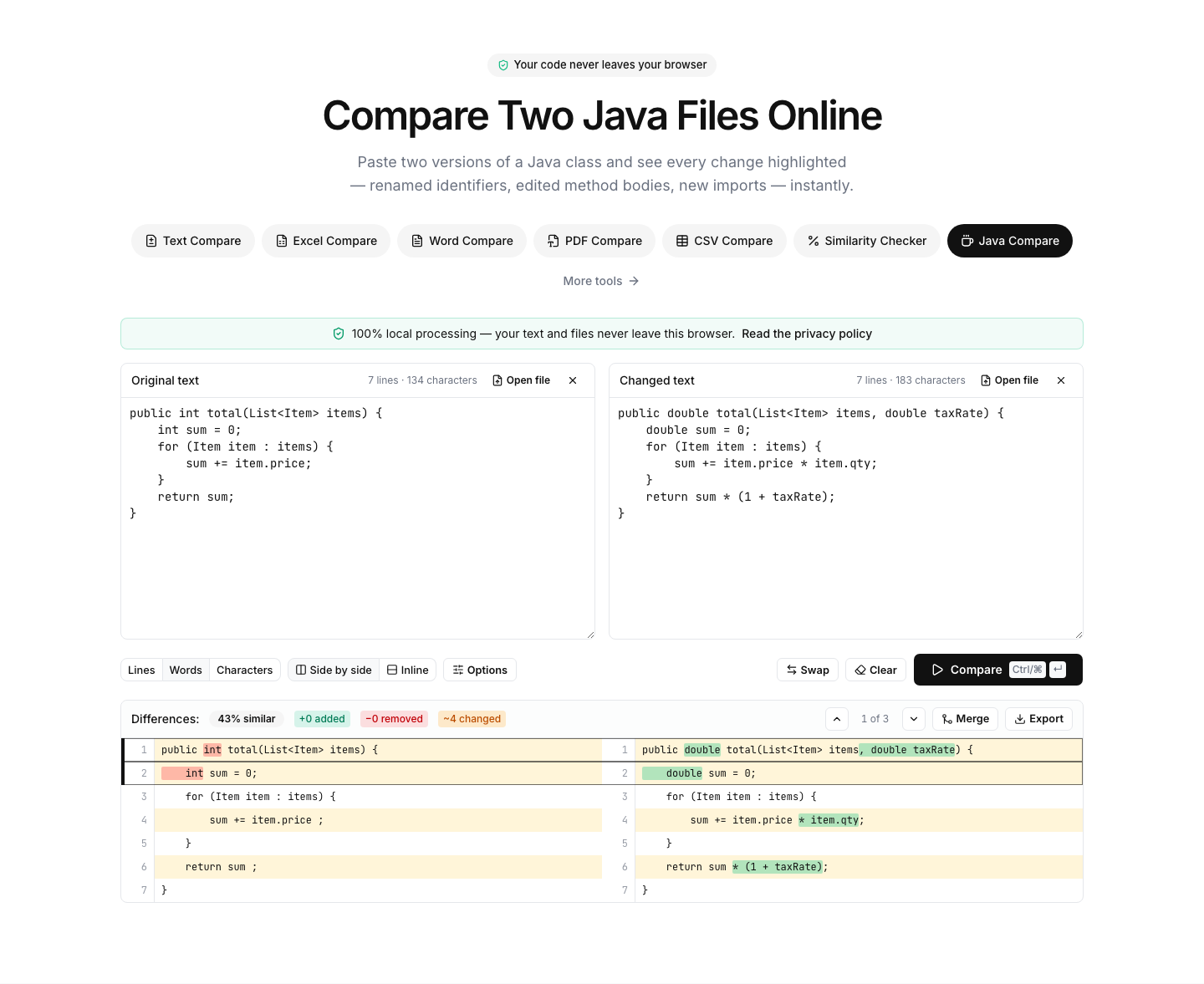
See what really changed between two Java classes
Java files accumulate formatting differences fast — IntelliJ, Eclipse and VS Code each have opinions about braces, wrapping and imports. This diff lets you neutralize that noise with the ignore-whitespace option and then highlights the real differences: changed method bodies, new annotations, renamed fields, reordered imports.
Word- and character-level highlighting is particularly useful for Java's verbosity: in a long generic type declaration or builder chain, the diff marks exactly the token that changed instead of flagging the whole line as different.
Typical uses: comparing a decompiled class against source, reviewing generated code (Lombok, MapStruct, protobuf) between builds, checking what changed in a hotfix branch file someone sent you, or diffing configuration classes across services.
A quick answer to a common search: to compare strings in Java code, use the equals method for content equality (the == operator compares references), equalsIgnoreCase for case-insensitive checks, and compareTo for ordering. To compare two Java files, paste them above.
FAQ
Java comparison — frequently asked questions
More comparison tools
Code Compare
Diff source code in any language
JavaScript Compare
Diff, beautify and syntax-check JS code
Python Compare
Diff two Python files online
C# Compare
Diff two C# files online
Text Compare
Diff two texts with every change highlighted
Excel Compare
Find differences between two Excel or CSV spreadsheets