Compare Two Python Files Online
Paste two versions of a Python script and see exactly what changed — with highlighting that respects the one thing Python cares about most: indentation.
Paste or drop text into both boxes, then press Compare.
Everything runs in your browser — nothing is uploaded.How to compare two Python files
- 1
Add both versions
Paste the code or drop .py files onto the panels — scripts, modules or notebook exports.
- 2
Mind the whitespace
Keep ignore-whitespace off for Python: indentation is structure. Use word or character granularity to pinpoint edits inside lines.
- 3
Review & merge
Walk the highlighted changes, merge the versions git-style if you are consolidating edits, and export the result.
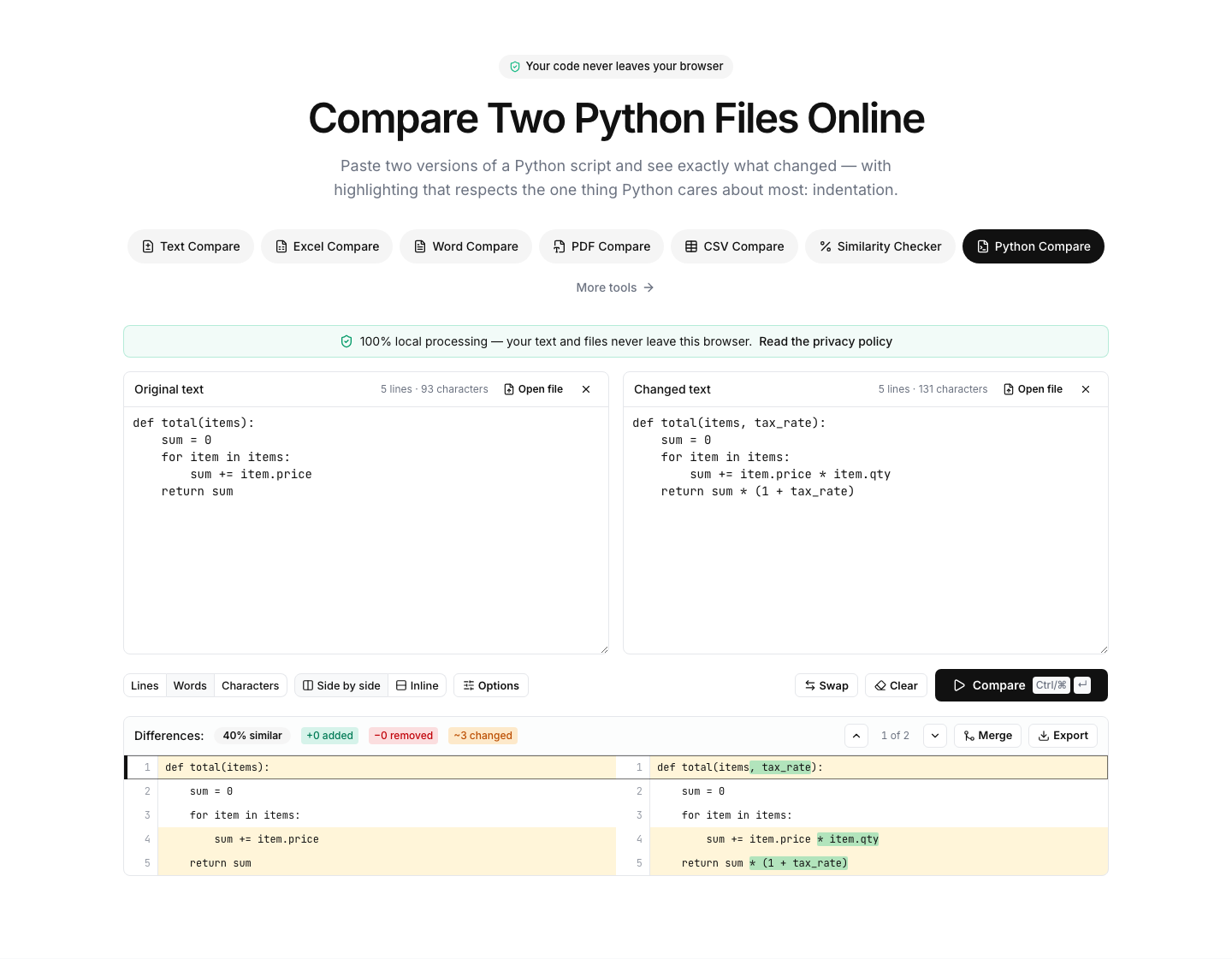
A Python diff that respects indentation
In Python, whitespace is not cosmetic — a shifted indent changes what the code does. This diff aligns the two versions line by line and shows indentation changes as real changes, so a block that silently moved into a different if-branch is impossible to miss. That is also why the ignore-whitespace option is best left off for Python files.
Word- and character-level highlighting pinpoints edits inside a line: a renamed variable, a changed default argument, a new keyword argument in a call. For notebook users, export cells to a .py file to compare — raw .ipynb JSON compares better on the JSON page.
Typical uses: comparing a script a colleague returned, reviewing generated code from two runs of a tool, checking a tutorial snippet against your local version, or verifying what changed between two versions of a requirements or settings file.
About checker-style questions: this page cannot execute Python or run a linter in the browser, so it is a comparison tool, not an error checker — for linting, run flake8, ruff or pylint locally. What it does guarantee: your code is never uploaded.
FAQ