Compare Two JavaScript Files Online
Paste two versions of your JS, beautify both to remove formatting noise, and see every real change highlighted — with a live syntax check on each side.
Paste or drop text into both boxes, then press Compare.
Everything runs in your browser — nothing is uploaded.How to compare two JavaScript files
- 1
Add both versions
Paste the code or drop .js/.ts files onto the panels. Scripts are syntax-checked as you type; parse errors show the message from the engine.
- 2
Beautify both sides
Click Beautify to reformat both sides with identical rules — minified or differently-styled code becomes line-by-line comparable.
- 3
Compare & review
Run the comparison and review changed statements with word-level highlights; merge the versions git-style if needed.
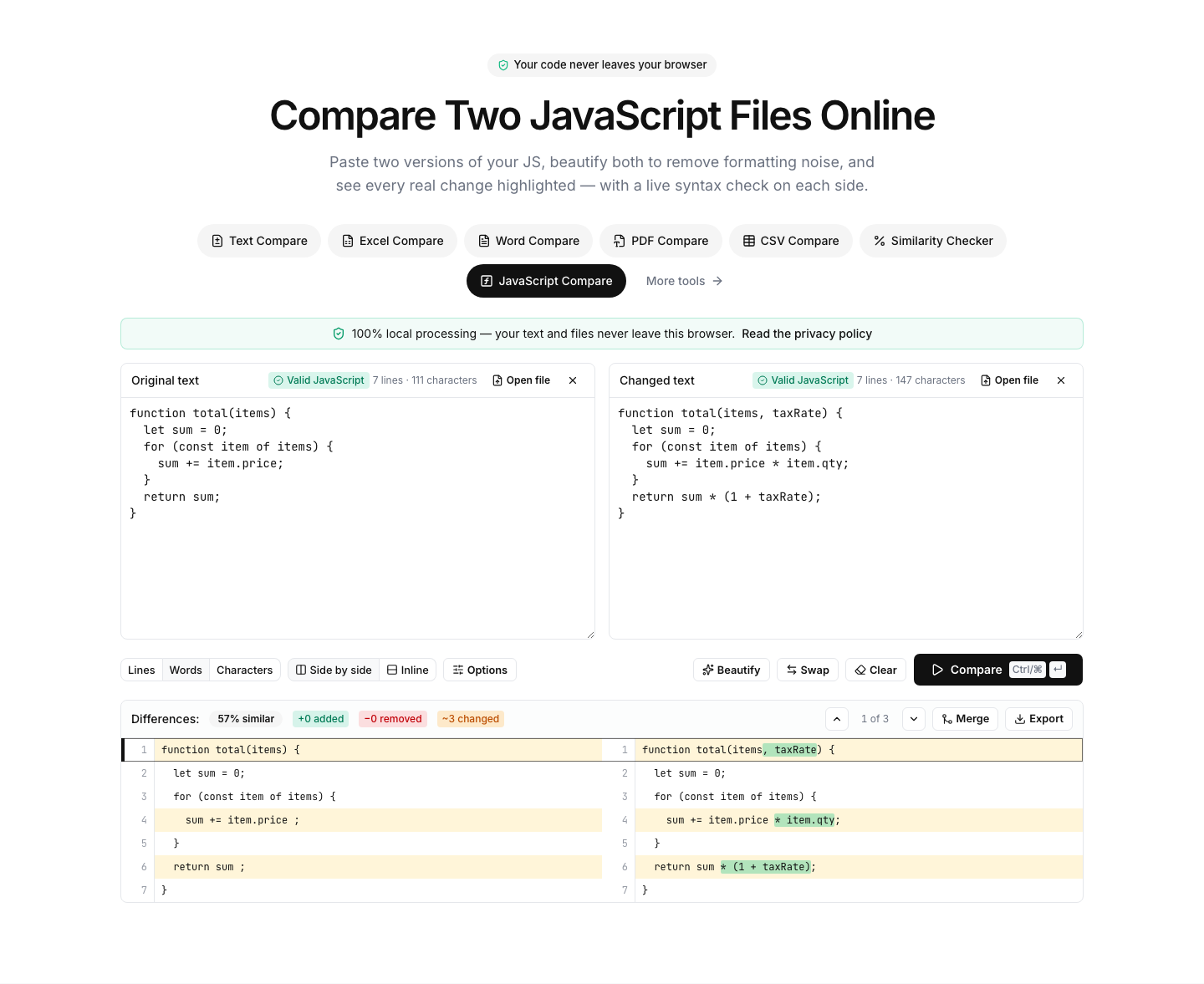
Diff JavaScript that has been through different formatters
Two versions of the same JavaScript rarely share formatting: one went through Prettier, the other through a minifier, a third was hand-edited. The built-in beautifier reformats both sides with identical rules, so the diff stops arguing about semicolons and line breaks and shows the changes that matter — logic, identifiers, literals.
A lightweight syntax check runs while you type: classic script syntax errors (a missing bracket, a broken template literal) are flagged with the engine's own error message. Files using ES-module import/export syntax skip the check rather than reporting false errors.
Typical uses: comparing a bundled or minified build against the previous release, checking what a codemod actually rewrote, reviewing a snippet from a tutorial against your local version, or diffing two versions of a userscript.
TypeScript and JSX generally format and diff fine, though the syntax check targets plain JavaScript. As always, code never leaves your browser.
FAQ