Text Similarity Checker
Paste two texts and get an instant similarity percentage — overall and broken down by characters, words and lines.
How to check the similarity of two texts
- 1
Paste both texts
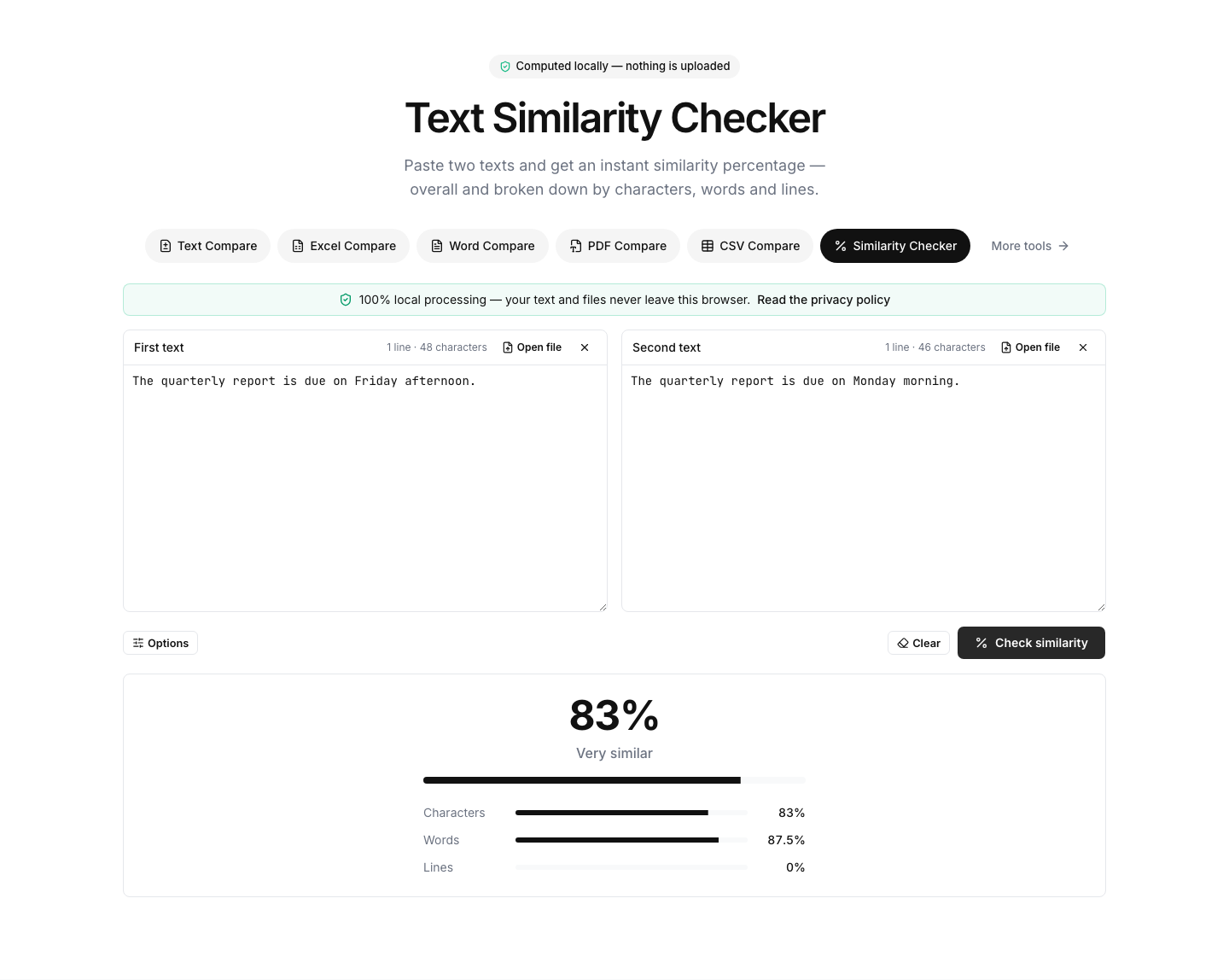
Put the first version on the left and the second on the right — sentences, paragraphs, articles or whole documents.
- 2
Click “Check similarity”
You get one overall percentage plus three detailed scores: character, word and line similarity. The score updates live while you edit.
- 3
Interpret the score
100% means identical. Above 90% is a light edit, 70–90% a substantial rewrite of the same text, and below 40% the texts share little content.
Read the full guide: How Text Similarity Is Measured: The Dice Coefficient Explained
A transparent similarity score, not a black box
The score is a Dice coefficient: the tool computes the longest common subsequences between the two texts at character, word and line level, and reports how much of the combined content they share. 100% means the texts are identical; 0% means they have nothing in common. The headline number is the character-level score — the most sensitive of the three.
The three levels answer different questions. Character similarity notices tiny edits (a fixed typo barely moves it). Word similarity tracks rephrasing — swapped, added or removed words. Line similarity tells you how much of the document structure survived, which is useful for code, CSV data and configuration files.
Typical uses: measuring how much a rewrite actually changed, detecting near-duplicate pages or product descriptions, comparing a translation revision against the previous version, or checking whether a submitted text is a light paraphrase of a known source. Note this compares the two texts you provide — it does not search the web like a plagiarism scanner.
Use the options to make the score fairer: “Ignore whitespace” discounts formatting-only changes, and “Ignore case” treats capitalization changes as identical. As with every tool on this site, the computation runs entirely in your browser.
FAQ
Text similarity — frequently asked questions
More comparison tools
List Compare
Find common, missing and merged items in two lists
Text Compare
Diff two texts with every change highlighted
Excel Compare
Find differences between two Excel or CSV spreadsheets
CSV Compare
Compare two CSV files row by row
Word Compare
Compare two Word documents (.docx)
PDF Compare
Compare the text of two PDF files