Compare Two JSON Files Online
Paste two JSON documents, sort their keys with one click so key order stops mattering, and see every real difference highlighted instantly.
Paste or drop text into both boxes, then press Compare.
Everything runs in your browser — nothing is uploaded.How to compare two JSON files
- 1
Add both documents
Paste the JSON or drop .json files onto the panels. Both sides are validated live — errors show the exact parse position.
- 2
Sort keys & beautify
Click Format → Sort keys & beautify. Both documents are rewritten with alphabetically sorted keys and identical indentation, so key order and formatting stop producing false differences.
- 3
Compare & review
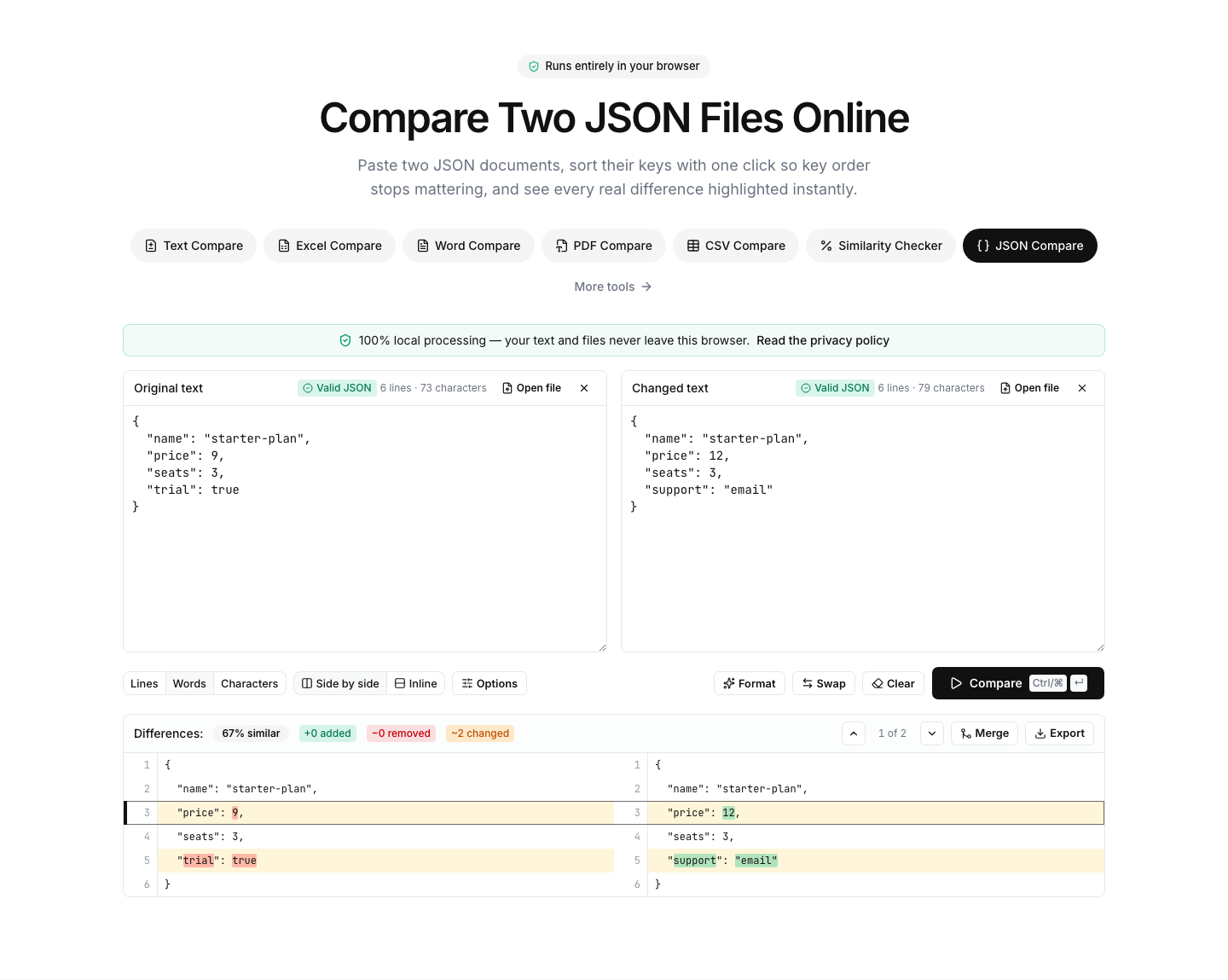
Run the comparison: added, removed and changed properties are highlighted line by line, with the changed values marked inside each line.
Read the full guide: Common JSON Formatting Errors and How to Debug Them
A JSON diff that ignores key order when you want it to
JSON objects have no guaranteed key order, which breaks naive text diffs: two API responses can be semantically identical yet textually different because the keys arrived in a different order. This tool solves it with one click — Sort keys & beautify rewrites both documents with alphabetically sorted keys and identical indentation, and the remaining differences are real ones.
The panels validate continuously: paste anything and you immediately see whether it parses, with the exact position of the first error. Beautify and Minify actions make the page double as a general JSON formatter — expand a minified payload to read it, or compress a formatted document before pasting it elsewhere.
Typical uses: comparing API responses between staging and production, checking what changed in a package-lock or configuration file, verifying a migration that rewrote JSON documents, or reviewing localization files where only a few strings should differ.
Note that array order is preserved and compared — arrays are ordered by definition, so element reordering is shown as a real change. Everything runs locally in your browser; payloads containing tokens or customer data never leave your device.
FAQ